It finds the moments that matter — the kiss, the tears, the embrace — and builds the first cut to your music, fully editable in your NLE: Final Cut, DaVinci Resolve or Premiere. You decide every shot; the cull stops eating your weekend.
take selection · cut to the beat · 3 editors · Mac & PC
What is WedCut?
WedCut is a desktop application for wedding editors and videographers. It analyses the footage of a whole wedding, selects the usable shots, identifies the moments — vows, kiss, first dance — and delivers a first cut edited to the music. It opens as an editable project in Final Cut Pro, DaVinci Resolve or Premiere, and runs locally, on Mac and Windows.
The same three steps you will see at the top of the WedCut window. Tap each one to watch it.
Take selection
Stop scrubbing clips one by one.
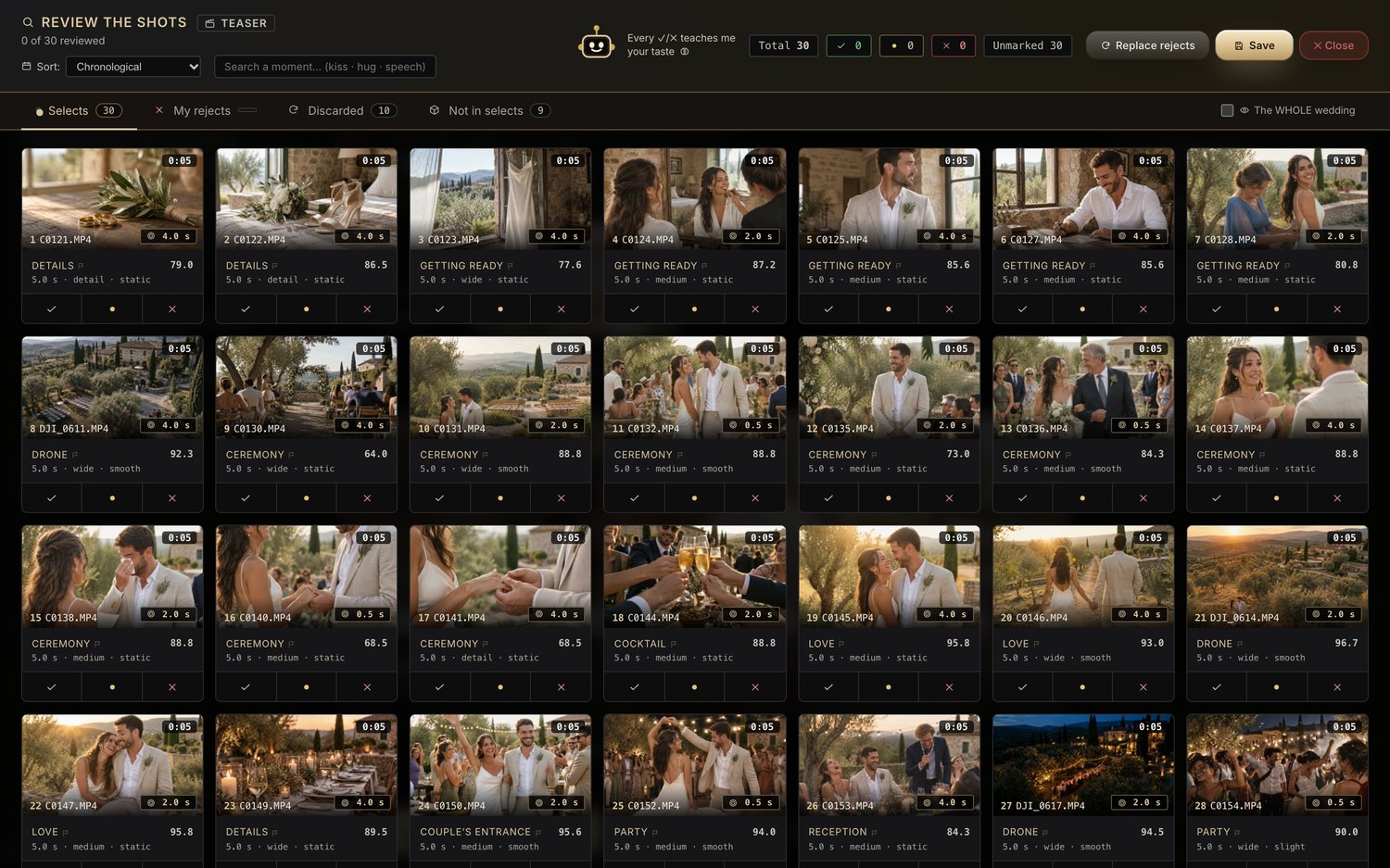
From thousands of clips to the ones that matter, without sitting in front of it: the analysis runs on its own, a few hours depending on the footage. WedCut scores every take, groups them by moment of the day and shows you the best of each. The afternoon you lost culling is yours again.
Inside WedCut
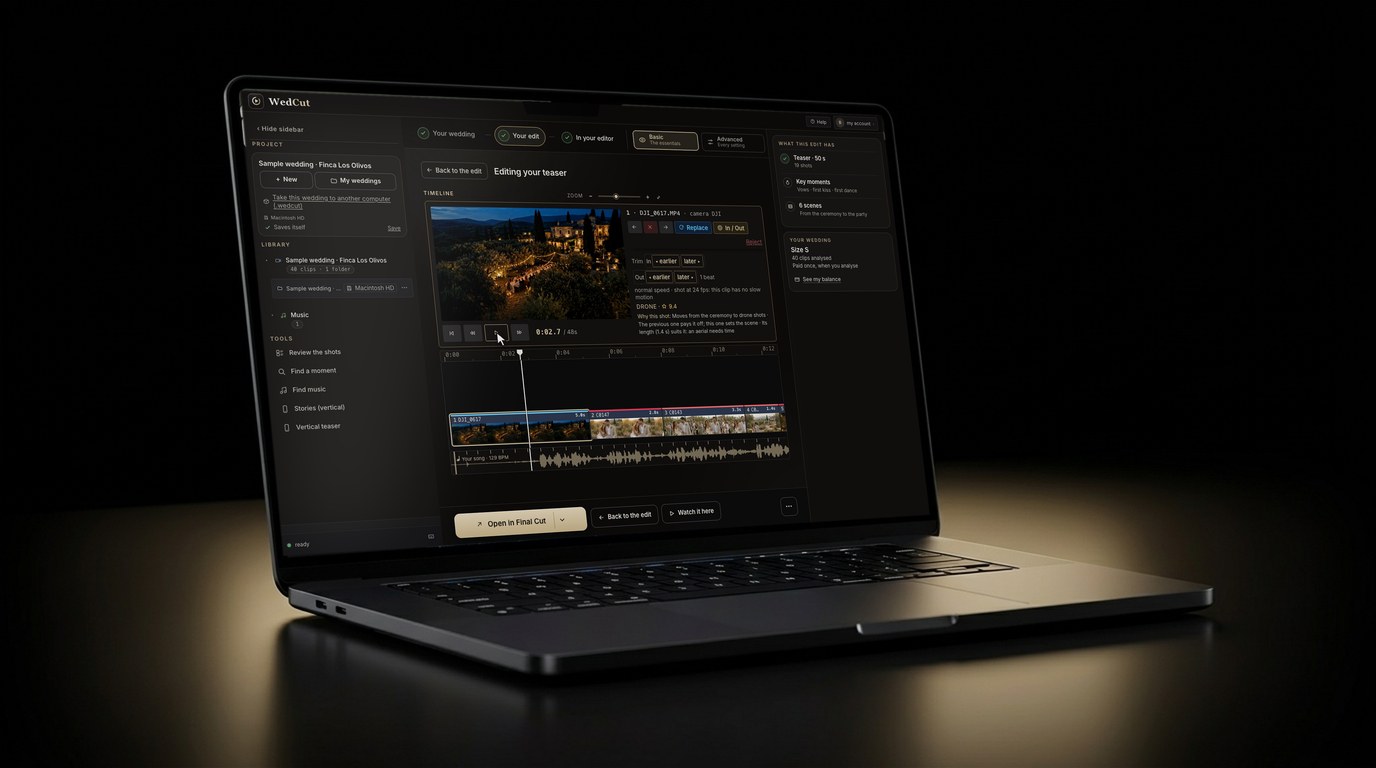
The real app: the WedCut editor, with its viewer and its timeline. Trim every shot to the frame, with the arrow keys or by dragging the edge, with no gaps left behind.
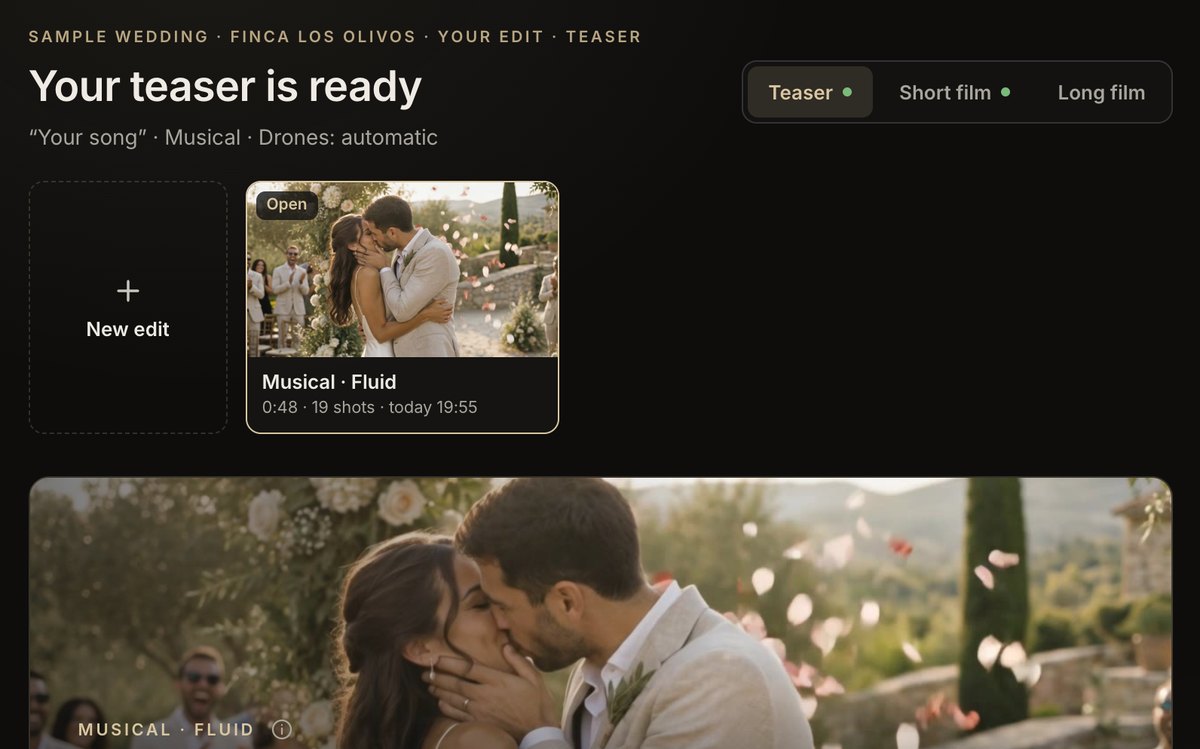
Every edit, on its own card
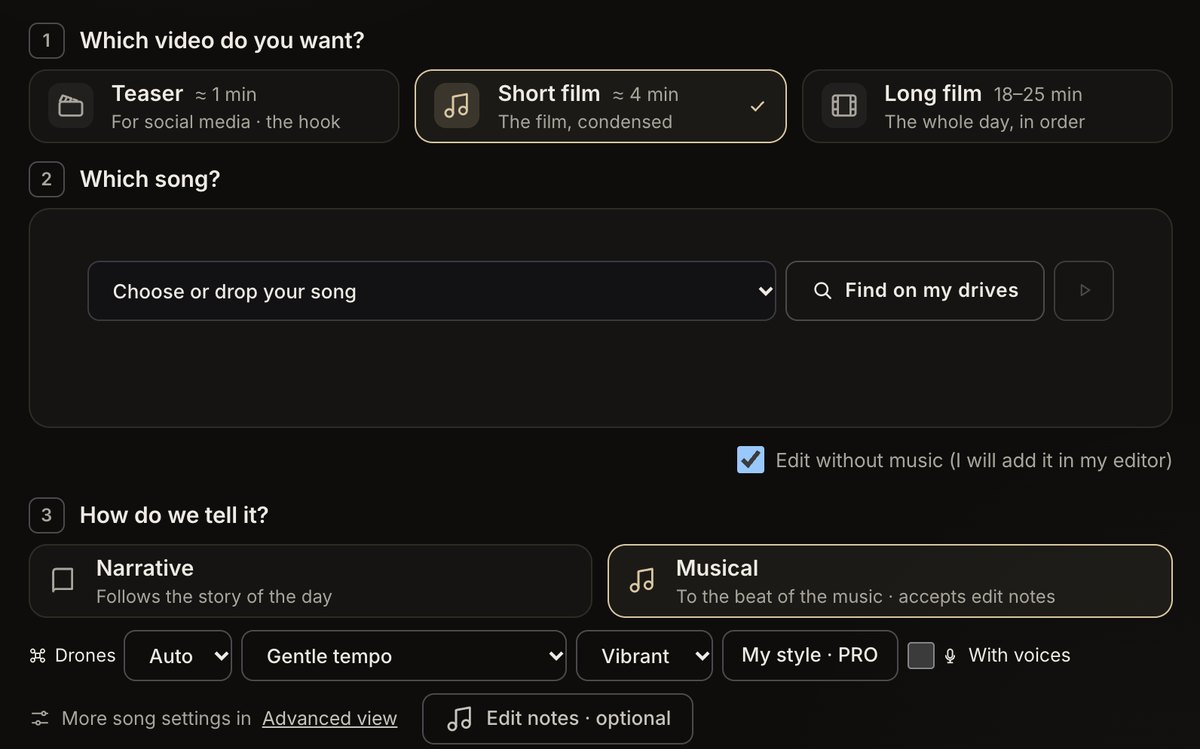
Three questions, then edit
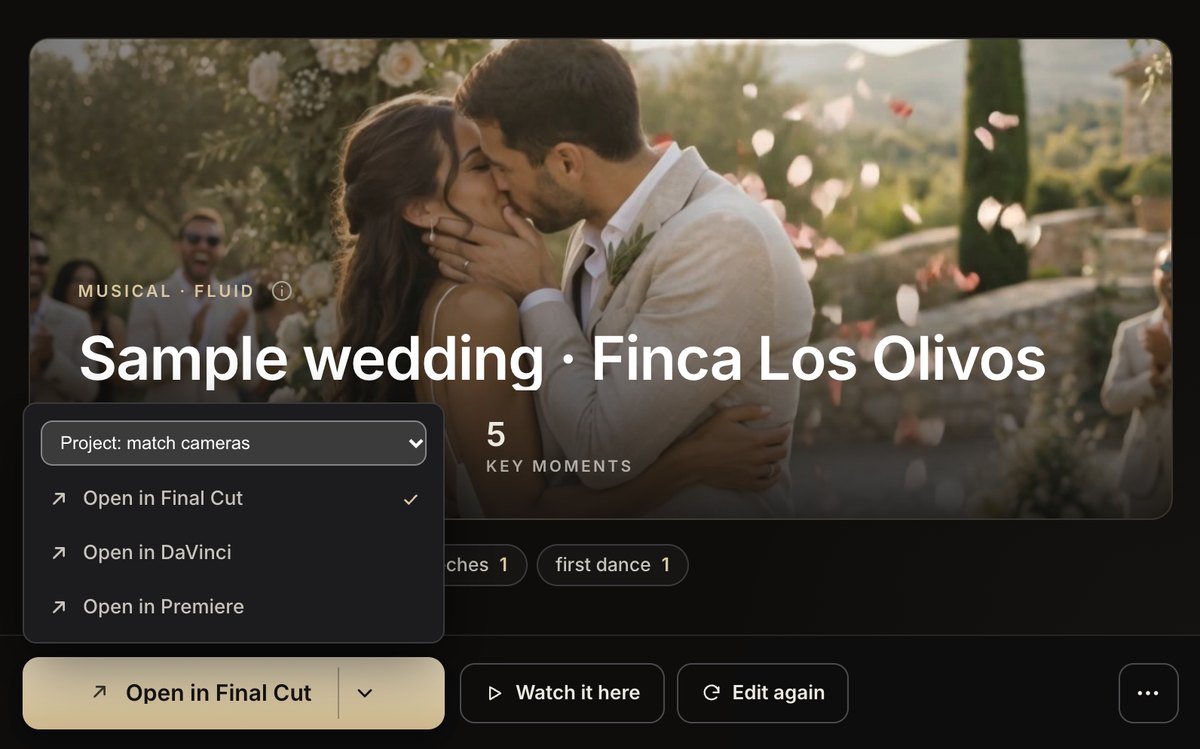
One button to your editor
Intelligence
It understands the wedding, not just the video
WedCut scores the emotion of every shot and recognizes the key moments of the day. It knows when there's a kiss, tears or laughter — and lands the cut on its peak. No moment stays on the card.
The "I do"Ring exchangeThe arrasFirst kissTearsLaughterHugsFirst danceThe bouquetGuest reactionsDrone / B-roll
Music & rhythm
Every shot on the beat.
WedCut analyses the music and cuts on the pulse. It detects the tempo by BPM and aligns every cut with the beat and the emotional peak of the shot. Say goodbye to manual syncing.
Cut to the beat (BPM)It detects the tempo and cuts on the pulse and the emotional peak.
Cut by phraseLands the image on the exact phrase of vows, readings and speeches.
Several camerasSyncs your cameras' clocks and orders all the footage by real time of day.
Your edit
An editor's judgement. The last word is yours.
The first edit, with the judgement of a professional wedding editor. Narrative, with the day in order, or Musical, cut to the peaks of the song you choose and different every time; and with «In / Out» you choose where each clip starts. One set of footage becomes all your deliverables.
Different editsNarrative, with the day in order, or Musical, Vibrant or Flowing and different every time. Length and your Edit notes, your call.
Teaser · short · longPlus vertical Stories 9:16 and Reels 4:5. One set of footage, many deliverables.
If you shoot with two cameras, WedCut syncs them by sound and hands you the sorted wedding with the second camera stacked above the main one, at its exact moment, in Final Cut, DaVinci Resolve or Premiere. It only stacks it when the match is measured to within half a frame; otherwise it leaves it on the main track, in order.
Stacked, not mixedMain camera below and the second above, each take whole and at its real time. You choose in your editor which shot stays.
Synced by soundEven if the cameras' clocks don't match. What can't be proven isn't guessed.
In the long film tooIn the long film, the second camera comes in frame-accurate or not at all, and the same instant is never shown twice.
With My style you add three of your finished teasers or short films, and WedCut learns what you repeat from wedding to wedding: your rhythm to the music, the moments and shots you pick, how you open and close, and whether you chain or alternate moments. Then, in Musical, you pick it next to Vibrant and Flowing, and your next weddings are edited in that style.
From the first videoOne is enough to notice it; with three it is complete. Every video you add refines it, and you can switch it off whenever you like.
In the teaser and the short filmIt appears in the Musical style selector, for the teaser and the short film. Narrative and the long film keep editing as always.
5 videos a month, includedIt comes with the PRO membership at no extra cost. Your videos are not uploaded: they are measured on your computer and only individual frames go to the AI.
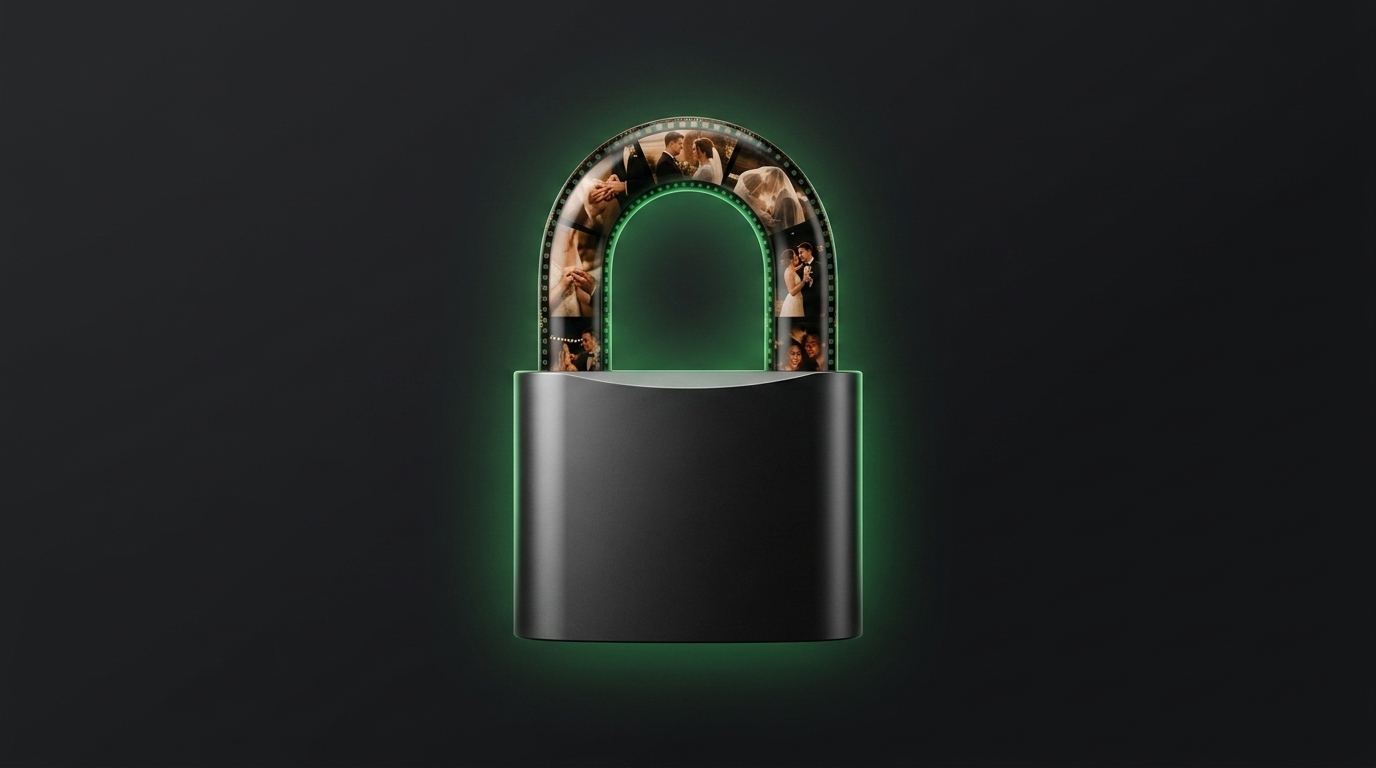
WedCut runs locally on your Mac or PC: your couples’ footage never leaves your computer. And the result is not a locked MP4, it is your edit in your timeline.
Local · Mac & PCYour original footage is never uploaded. Analysis sends only individual frames to the AI, securely.
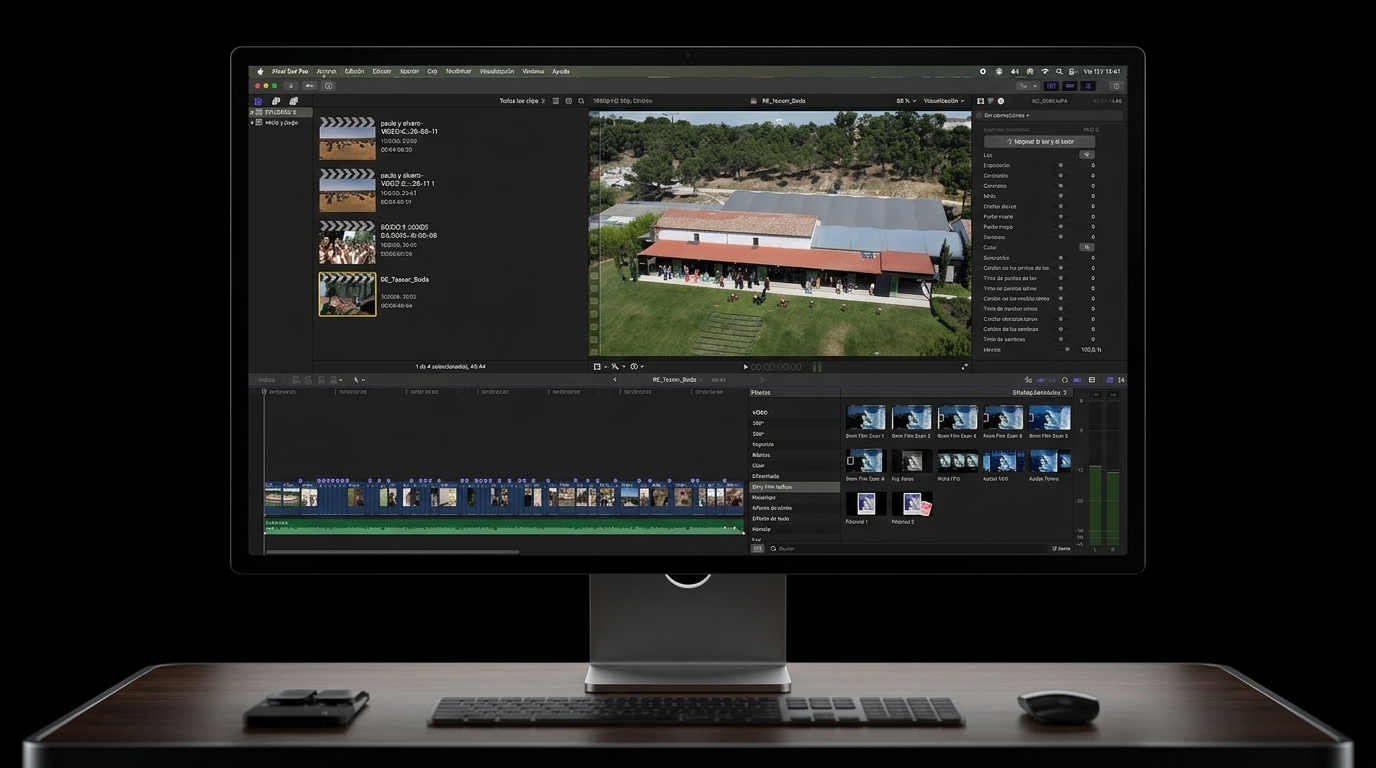
3 editorsFCPXML + EDL to Final Cut, DaVinci Resolve or Adobe Premiere.
Available now
The moments, found this afternoon. The story, told by you.
Create your account, download WedCut and edit your first wedding today.